


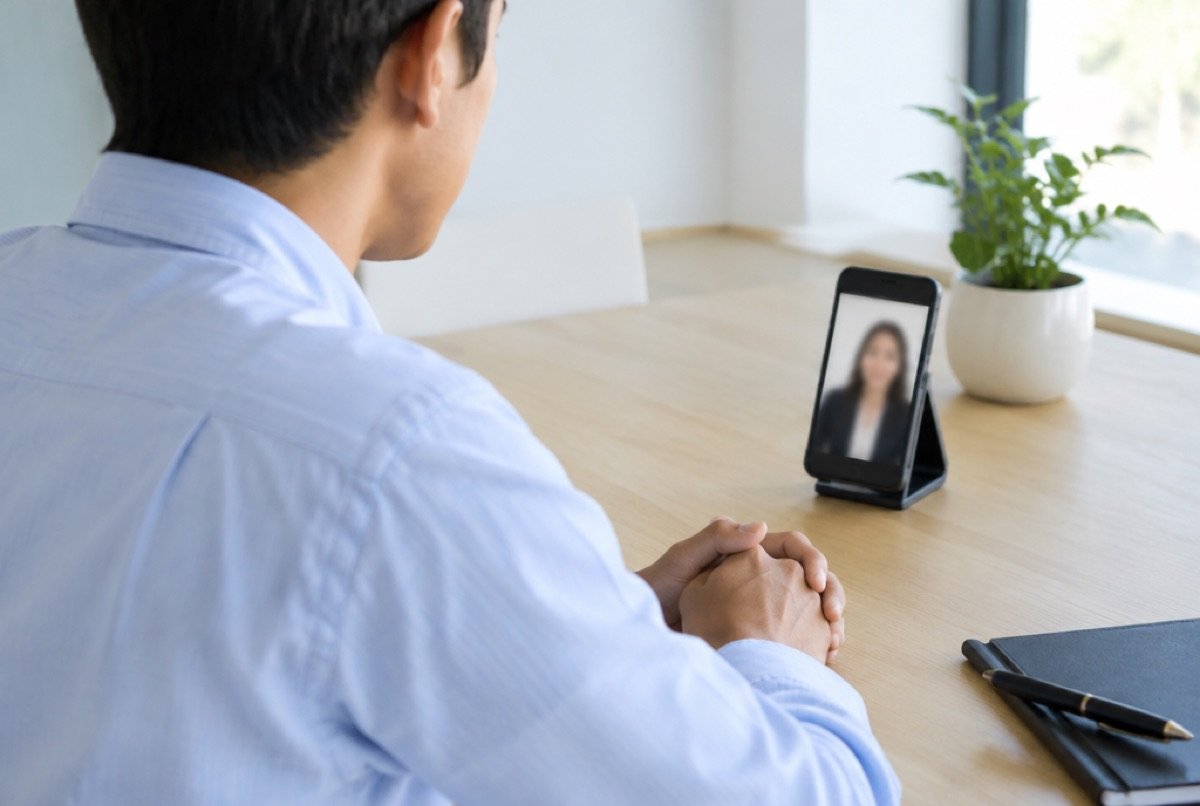
Many employers now hold the first interview by video call, especially for jobs in another city or country. You do not need a laptop, a webcam or a quiet office to do well. A phone, a stable internet connection and twenty minutes of preparation are enough for a clear, professional call.
The employer is not judging your home or your phone. They are checking the same things as in any interview: can you communicate, are you serious about the job, and are you reliable. A simple, tidy setup and a calm manner already answer two of those questions before you speak.
This guide covers how to set up your phone, what to do the day before, how to behave during the call and how to handle technical problems. Follow the steps once in a practice call with a friend and the real interview will feel much easier.
📱 Set Up Your Phone
- Install the app early Check which app the employer uses. Install it, create your account and use your real name as the display name.
- Keep the phone still Do not hold it in your hand. Lean it against books or a cup on a table, or use a simple stand.
- Put the camera at eye level Raise the phone until the camera is level with your eyes. A low camera shows your chin and the ceiling.
- Turn the phone sideways if asked Landscape view often looks better on the interviewer’s computer. If you are unsure, upright is acceptable.
- Charge and plug in Start with a full battery and keep the charger connected.
- Silence everything else Turn on “do not disturb” so calls and message alerts do not interrupt the interview.
💡 Light, Sound and Background
- Light in front of you. Sit facing a window or a lamp. Light behind you turns your face into a dark shadow.
- A plain background. A clean wall or a curtain is best. Remove laundry, posters and clutter from view.
- A quiet place. Close doors and windows and switch off the television and fan if they are loud. Tell your family the time of the interview.
- Earphones with a microphone. Simple wired earphones often give clearer sound than the phone speaker and reduce echo.
- The best internet spot. Test where the signal is strongest in your home. If you use mobile data, check that you have enough for a long call.
🗓️ The Day Before
| Check | Why it matters |
|---|---|
| Test call with a friend | Confirms that camera, sound and internet all work |
| Interview time and time zone | Employers abroad may use their own local time |
| Link or meeting code | Saves searching through messages at the last minute |
| CV and job advert | Keep them on paper beside you for quick reference |
| Clothes | Choose clean, simple clothes in a plain colour |
| Three stories and two questions | Prepared examples and questions make your answers stronger |
🎥 During the Interview
- Join five minutes early
- Look at the camera
- Smile and greet
- Speak slowly
- Pause before answering
- Say thank you
Look at the camera lens, not at your own picture, when you speak. To the interviewer this feels like eye contact. Sit up straight and keep your hands relaxed.
Video calls have a small delay. Wait one second after the interviewer finishes before you answer, so you do not talk over each other. Keep answers short and clear. If you did not hear a question, say, “Sorry, the sound broke. Could you repeat that, please?”
It is fine to have short notes next to the phone, but do not read full answers from paper. Reading is easy to notice and sounds unnatural.
🔧 If Something Goes Wrong
Technical problems happen to everyone. Interviewers judge how you handle them, not the problem itself.
- The call drops. Rejoin with the same link straight away. If you cannot, message or email the interviewer to explain and ask to continue.
- The video freezes. Offer to turn off your camera for a moment to save data, then turn it back on.
- There is sudden noise. Apologise briefly, mute yourself for a few seconds and continue.
- You are running late. Send a message before the start time. Never simply arrive late without a word.
✉️ After the Call
Send a short thank-you message the same day. Two or three lines are enough: thank them for their time, say you are still interested and that you are happy to send any further documents. Then write down the questions you were asked. They will help you prepare for the next interview.
❓ Frequently Asked Questions
Is it acceptable to do a video interview on a phone?
Yes. Many candidates do. What matters is a steady picture, clear sound and good preparation.
Should I hold the phone upright or sideways?
Sideways usually fills the interviewer’s screen better, but either is fine. The important thing is that the phone does not move.
What should I wear?
Wear what you would wear to a face-to-face interview for that job. Dress fully, not only the top half, in case you need to stand up.
What if my internet is weak?
Test different places beforehand, close other apps and ask others at home not to use the connection during the call. Tell the interviewer at the start if the signal may be unstable.
Can a family member sit with me?
It is better to be alone in the room. Someone whispering answers is easy to notice and gives a bad impression.
